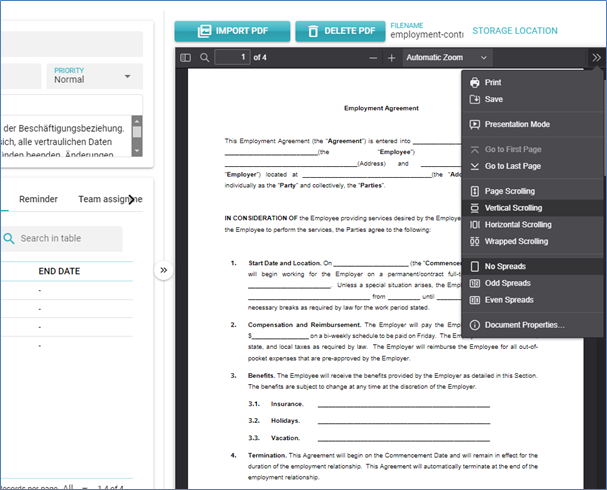
PDF Document
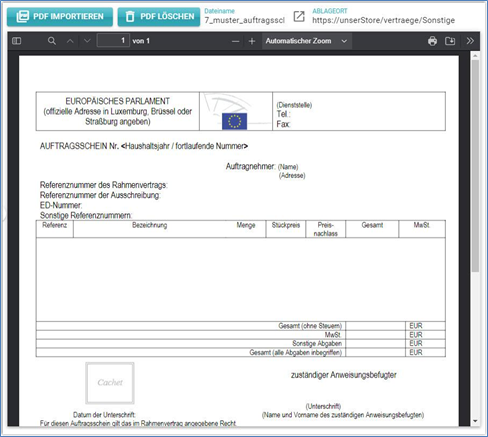
In this section, the actual contract document (PDF) is displayed.
Import PDF
Click the button to import a contract document in PDF format. A dialog will appear where you can select the PDF document.
When importing a PDF document, it will be additionally analysed, and the words used in the document will also be stored in the database. This allows searching for terms contained within the contract.
Delete PDF
Click this button to remove the displayed PDF document from the database.
File Name
The file name of the original PDF document is displayed here.
Storage Location
Here, you can enter a URL where the original contract is stored. If a URL is provided, it can be directly accessed in a new window or tab.
Contract documents should not be exclusively stored in contractSILO. If the PDF document is deleted or the contract itself is archived or deleted, access to the PDF will be lost. Therefore, it is advisable to always keep the original document in a secure location.
You can as well download a single contract document. To do so, use the menu in the document viewer.