The Challenges of SMBs: Time vs. Budget
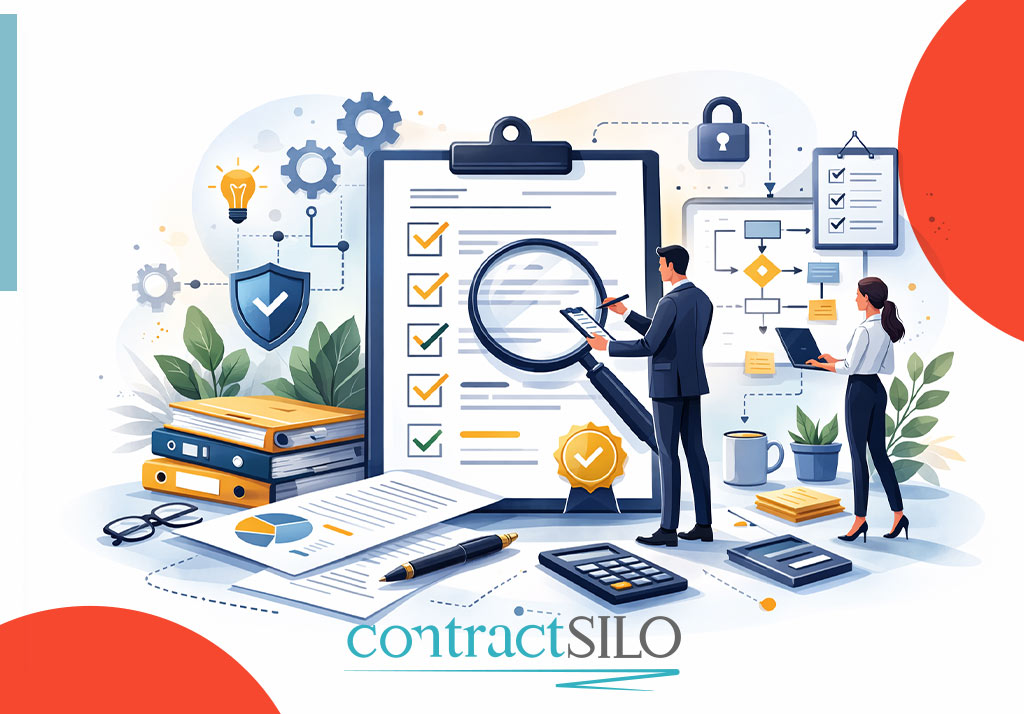
Small and medium-sized businesses (SMBs) must achieve big goals with limited resources. Often, one person has to juggle multiple roles—management, accounting, sales, and, of course, contract management. But tasks like tracking contract renewals or signatures are often neglected. While large corporations invest in expensive CLM (Contract Lifecycle Management) systems, SMBs are discouraged by the high costs and complexity of such solutions.
What Is Low-Code?
Low-code platforms allow users with little or no technical knowledge to build automated workflows. These drag-and-drop tools help digitize business processes without the need to write code. Low-code is particularly useful for repetitive tasks—and contract management is a prime candidate for automation.
Tools: Make, Zapier, Airtable, and More
Tools like Make (formerly Integromat), Zapier, and Airtable allow SMBs to automate their contract workflows. When a new contract is created, these tools can trigger actions like sending emails, setting reminders, or archiving files. But for true efficiency, all these automations need to connect to a secure and intuitive system. That’s where contractSILO comes in.
Automation Steps: Reminders, Signatures, Archiving
While contractSILO does not currently offer native low-code integrations, its architecture is being developed with future compatibility in mind. The platform aims to simplify three critical steps:
-
Reminders (Contract Remind): Planned functionality includes automatic notifications before a contract expires—so you never miss a renewal.
Signature Process: Future versions are expected to support approval flows with manual or integrated e-signature tools. -
Archiving: Completed contracts are already securely stored and easily accessible.
With existing team management tools, tasks can already be assigned internally to keep contract processes organized.
5. Use Case: Sample Workflow (Planned)
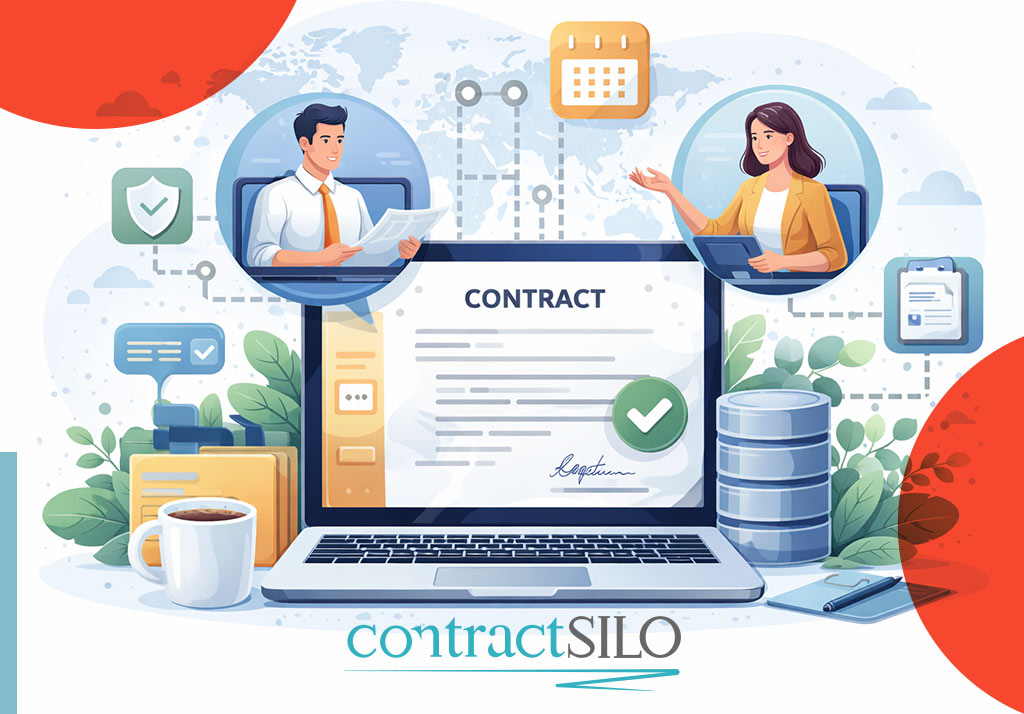
In the near future, consider an educational consultancy that signs monthly contracts with schools. Once Make or Airtable integration is implemented, customer data could be transferred into contractSILO automatically. A contract could then be generated from a template, emailed for signature, and archived securely. Reminders would be sent automatically—without any coding required.
6. Conclusion & Future Outlook
Low-code automation empowers SMBs by saving time and reducing human error. contractSILO enhances this process with powerful yet simple features. With a 14-day free trial and a free plan for up to 50 contracts, you can start managing your contracts today—no commitment required.
In the near future, digital transformation through low-code tools will become standard for small businesses. contractSILO is ready to be at the heart of that transformation.
Frequently Asked Questions (FAQ)
1. How can I manage contract workflows with low-code automation?
By integrating contractSILO with tools like Make or Zapier, you can automate contract creation, reminders, and approval workflows—without writing any code.
2. What does contractSILO’s free plan include?
The free plan allows up to 50 contracts and includes essential features such as reminders and basic team management.
3. Which low-code platforms are supported?
contractSILO works seamlessly with tools like Airtable, Make (Integromat), and Zapier.
4. Why should small businesses use low-code tools?
They save time and resources by enabling fast automation without technical expertise, while reducing human errors.
5. How does the reminder system work in contractSILO?
Reminders are triggered based on contract dates and sent automatically via email to relevant team members.
You might also like